01 / A purchase
The receipt and the deadline
Save a receipt beside a product record. Enter the return or warranty date you have verified, add a reminder and keep the original document.
For Android · Free core tools · Optional Pro
The receipt is in one place. The return date is somewhere else. Bring the record, the date and the paperwork together — so you can review what needs your attention.
Get it on Google PlayNo app account or bank connection required. Reminders depend on Android permissions and system conditions.
Start with one real task
01 / A purchase
Save a receipt beside a product record. Enter the return or warranty date you have verified, add a reminder and keep the original document.
02 / A renewal
Keep a renewal or trial-end date with its related document. Review the terms before the date. The app does not connect to your bank or cancel subscriptions for you.
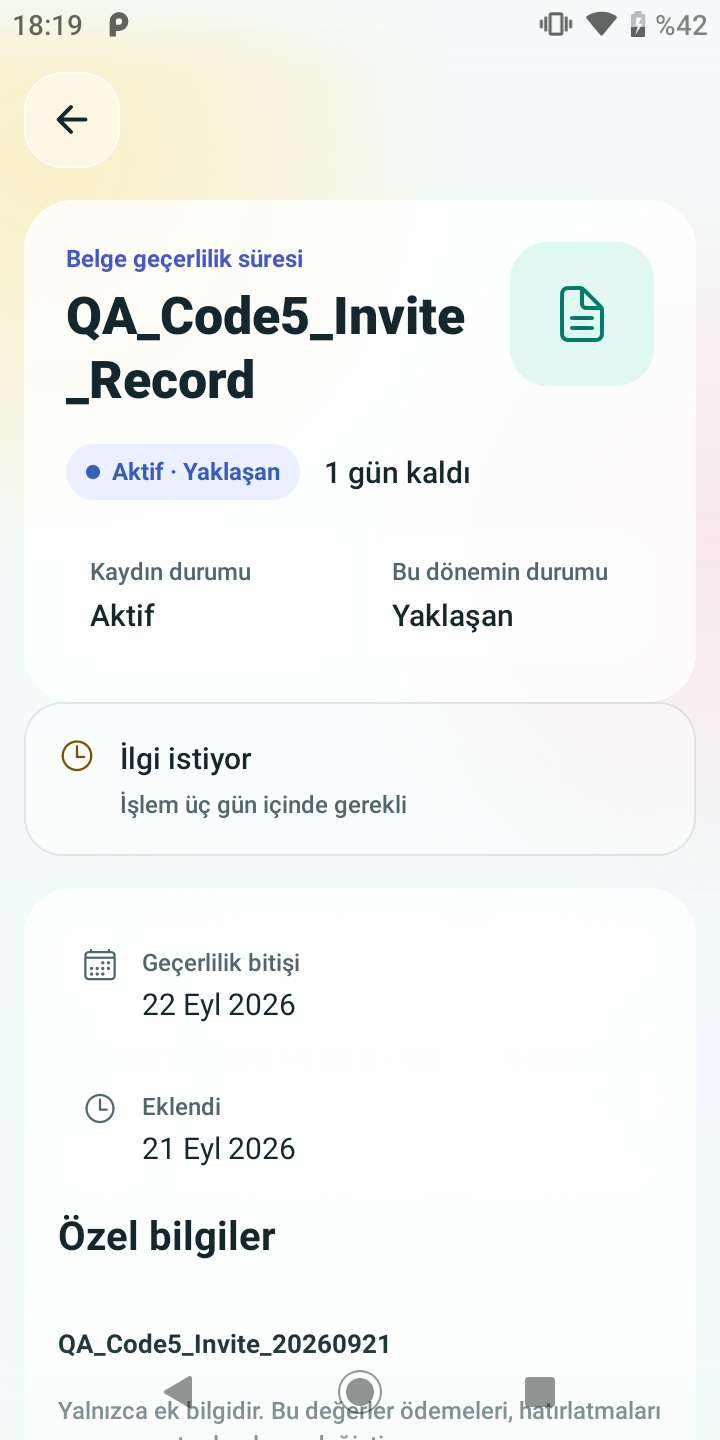
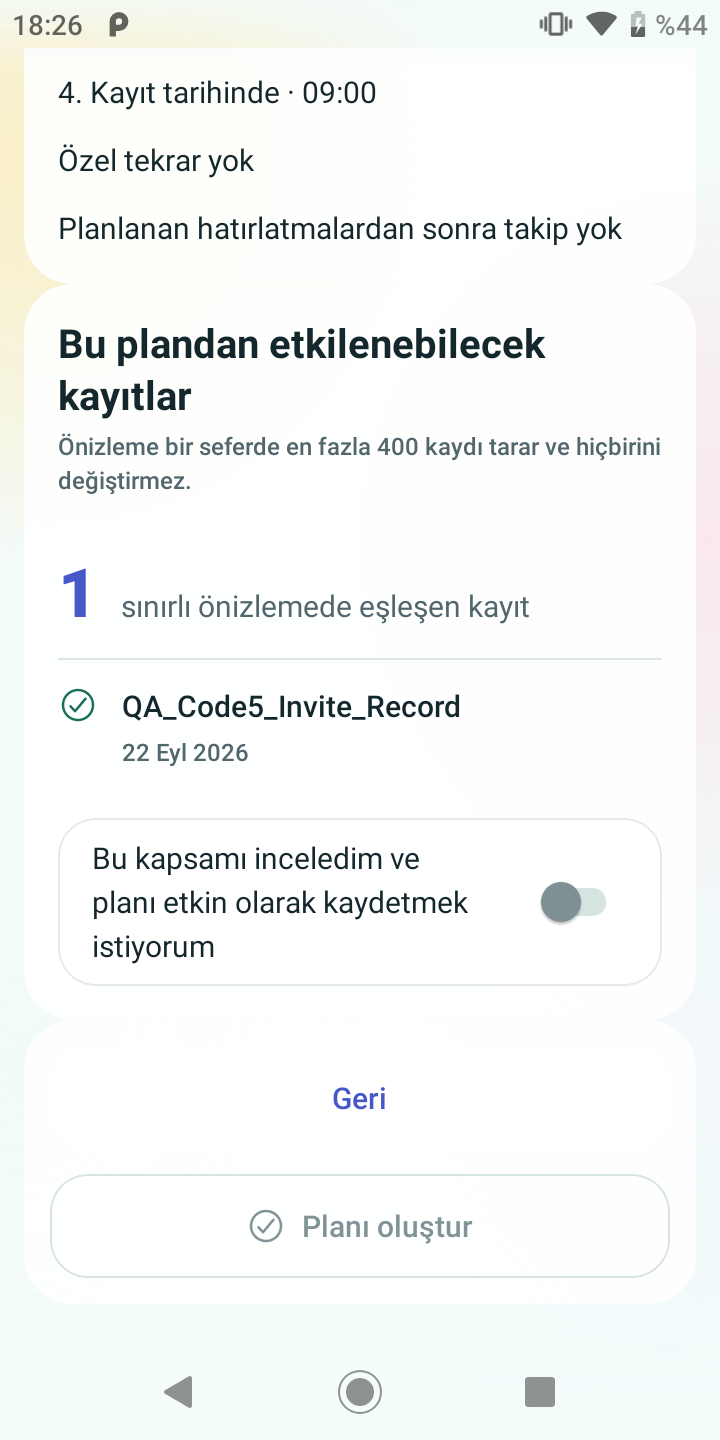
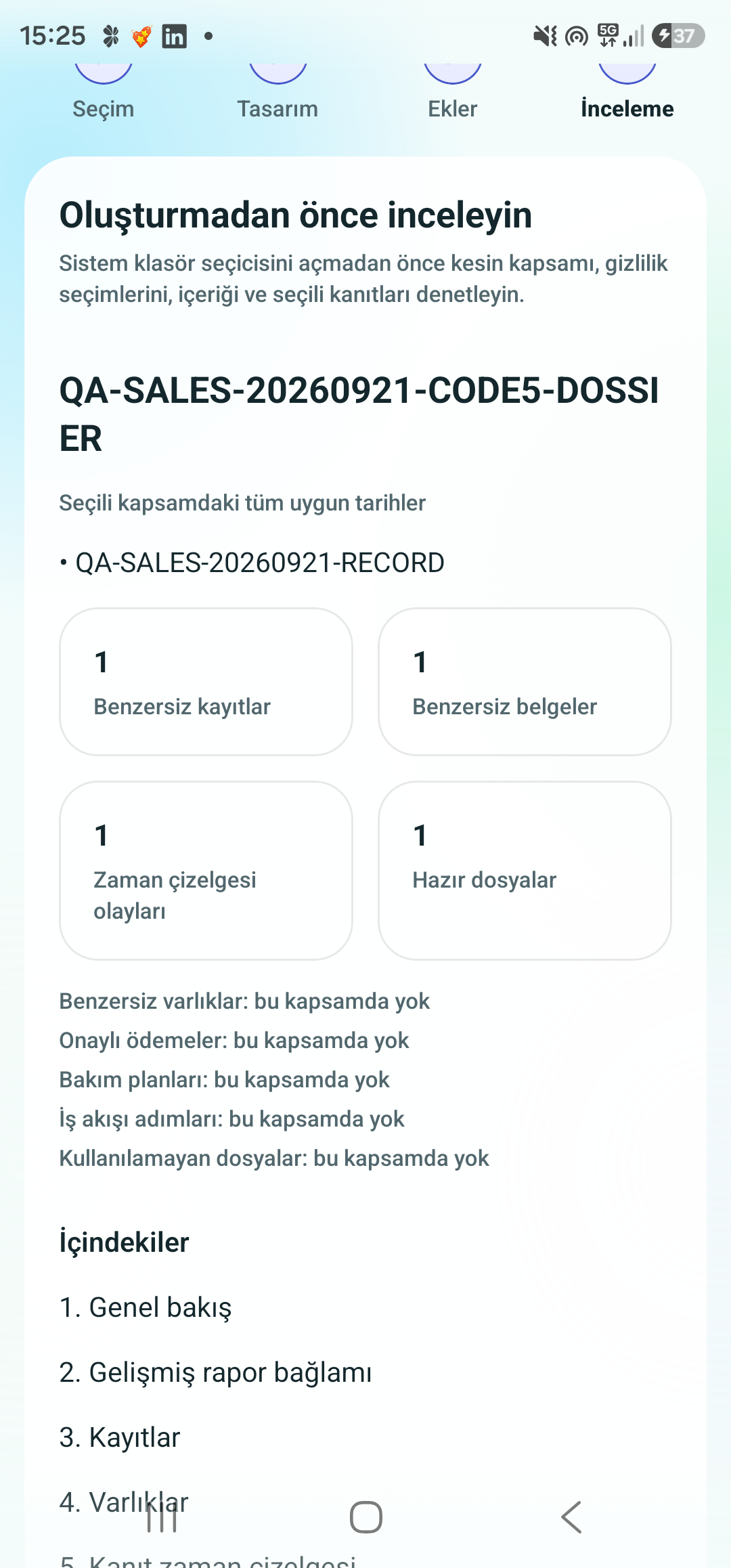
Actual version 1.0.1 Android screens captured on 21 September 2026, with synthetic test data. The Turkish screens are shown unchanged; “QA” names are test labels, not customer information. These are local verification captures, not a recording of a Play Store install.
Monthly, yearly and lifetime options through Google Play. Available plans and current local prices are shown in the app.
Your first two minutes
Prefer a calendar and a folder? That works too. Use the free receipt, warranty and return-date checklist.
Core records and documents are local to your device. This is not a cloud-sync service. Purchases and access verification use Google Play and RevenueCat; optional announcements, invitation verification and documented component diagnostics have service-provider exceptions. Read the full privacy policy.
Create and check a local backup before you need it. Keep a copy in a place you control and protect it appropriately. A backup or export saved only on a lost phone cannot help you recover it. Do not assume automatic cloud recovery or encrypted exports.
No. You review and carry out the action yourself. Android permissions, battery settings and system conditions affect notifications; important dates still deserve a second check.
No such recommendation is made. Keep original receipts and documents when required. Check the seller’s terms and applicable requirements; a stored image does not establish a universal return period or legal right.